
Help · For everyone
Correcting a mistake
Nothing in a care record is erased. A correction is added beside the original, with your name and a reason, and the original stays visible. An honest record that shows a mistake being fixed is worth more than a tidy one.
A medication entry
You can correct your own entries. Nurses and administrators signed in with their password can correct anyone’s.
- Find the entry. For one made today, open the Daily MAR and choose the resident, or open the resident’s medications. For one made yesterday, open the Daily MAR, choose the resident and set the date to yesterday.
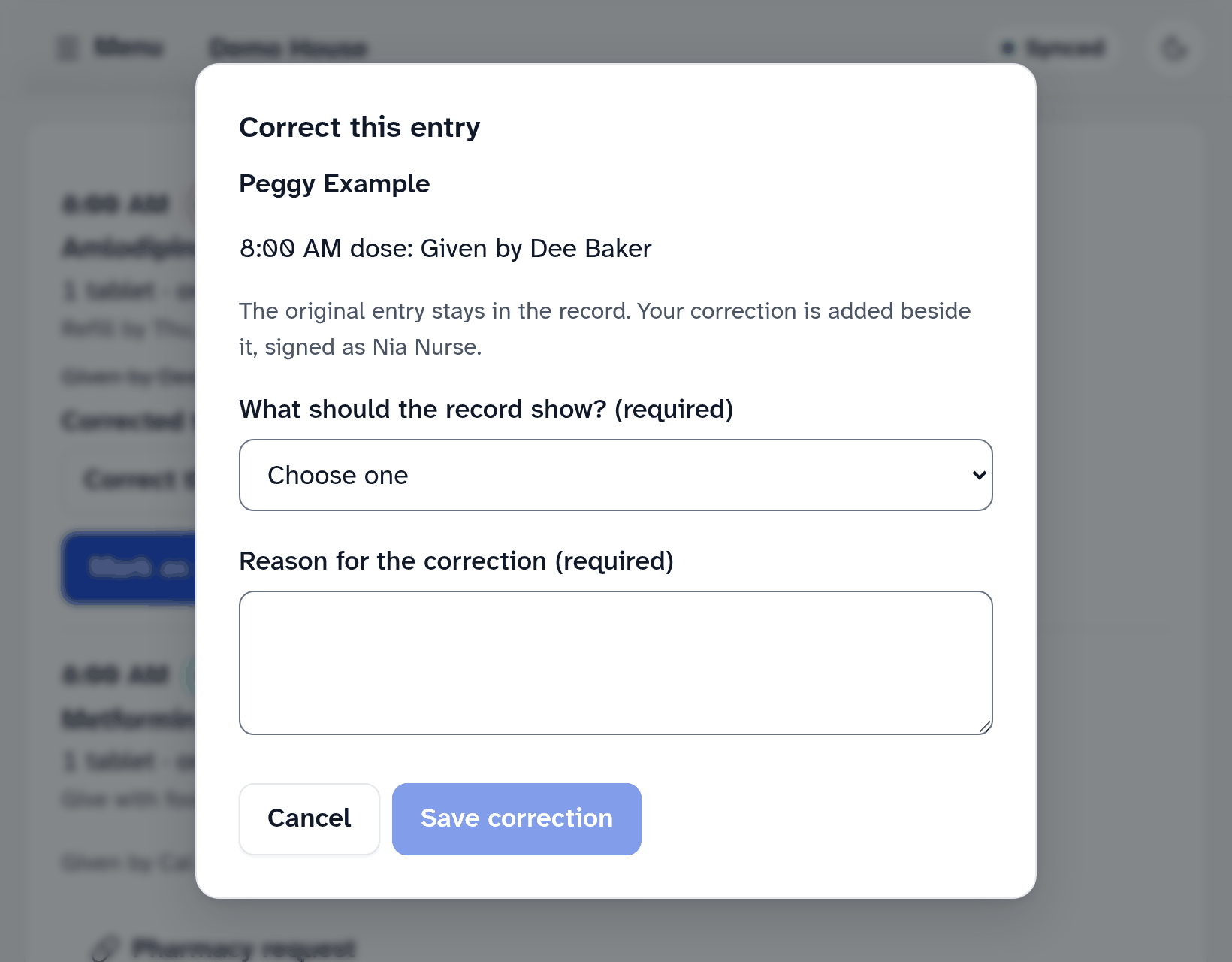
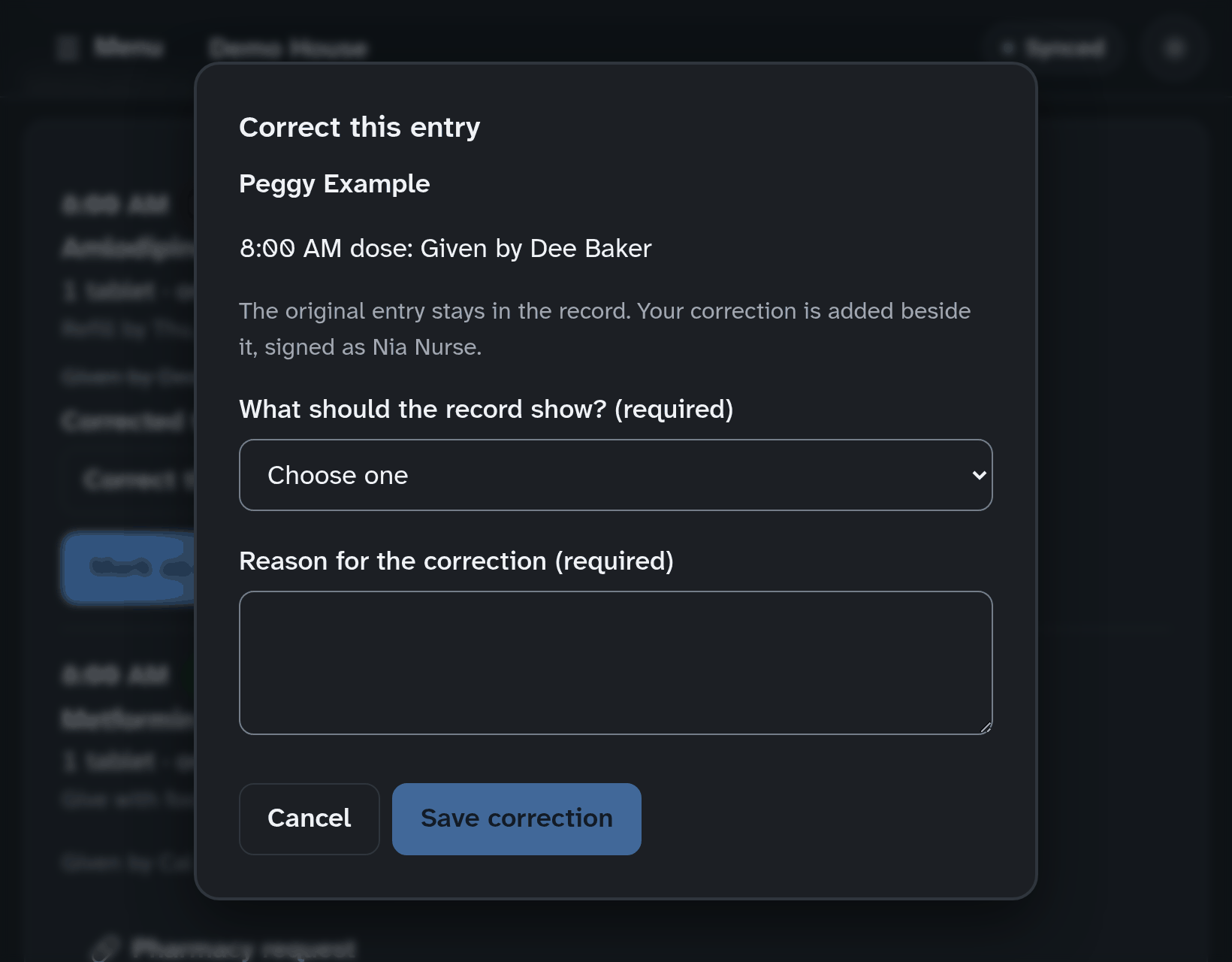
- Tap Correct this entry.
- Choose what the record should show: entered in error (wrong resident, medication or time), not actually given, was given, was refused, or was held.
- Write the reason and tap Save correction.
If you choose entered in error or not actually given, the dose shows as due again. If a medication error happened, also file an incident report, so the physician and the pharmacist are told.
An entry older than yesterday is corrected by a nurse or an administrator signed in with their password. They open the Daily MAR, choose the resident, set the date and tap Correct this entry. If the entry is yours and you are a care aide, tell one of them what needs correcting. A dose from an earlier day is not asked for again: its record shows the original entry with the correction beside it.
A vital sign
Under the reading, tap Void (entered in error) and give the reason, for example “recorded for the wrong resident”. The reading remains in the record, marked voided, with your reason. Then record the right one.
A care note
Tap Edit on the note. The earlier version is kept and can still be read. You can edit your own notes; nurses and administrators signed in with their password can edit anyone’s.
An incident report
The facts can’t be changed once a report is filed. Open the report and add to it instead. The person who filed it, and any nurse or administrator, can add to it.
A time on the time clock
Tell an administrator. They fix it with a reason, and your original entry is kept.
More help
- Signing in on a care tablet
- The medication pass
- Correcting a mistake
- Writing a care note
- When the internet drops
- Recording vital signs
- Filing an incident report
- Clocking in and out
- Care plans and assessments
- The family portal
- Your pharmacy and the pharmacy portal
- The pharmacy portal, for pharmacies
- Staff, tablets and support access
- Resident billing
- Getting ready for an inspection
All help · Questions: care@mapsorix.com or (306) 400-1800, Monday to Friday, 9 AM to 5 PM Saskatchewan time.