
Help · For administrators
Resident billing
MapSorix Care keeps your home’s books for each resident: the agreed rate, extras, invoices, payments and what is owed. It never takes a payment. Residents and families pay you the way they do today, and you record it here.
Record each resident’s agreement
A resident with no agreement recorded isn’t invoiced.
- Open Resident billing in the menu, under Office, and tap Open beside the resident.
- Tap Record agreement.
- Enter the monthly rate from the admission agreement, when it started, the notice it requires, and who is billed: the resident, or the family member who pays.
- Tick The signed agreement is on file once it is, with the date it was signed. Attach the scan under Attach the signed agreement, and save.
Only administrators can open the attached agreement, and every time it is opened is recorded. Keep it here rather than in the resident’s Documents, which every staff member can read.
Extras and credits
Tap Add charge. Choose an extra charge or a credit, the date, the amount, and what it is for, for example hairdressing or cable television. It waits under Not yet invoiced until the invoice for its month, or the next one after it.
Making the month’s invoices
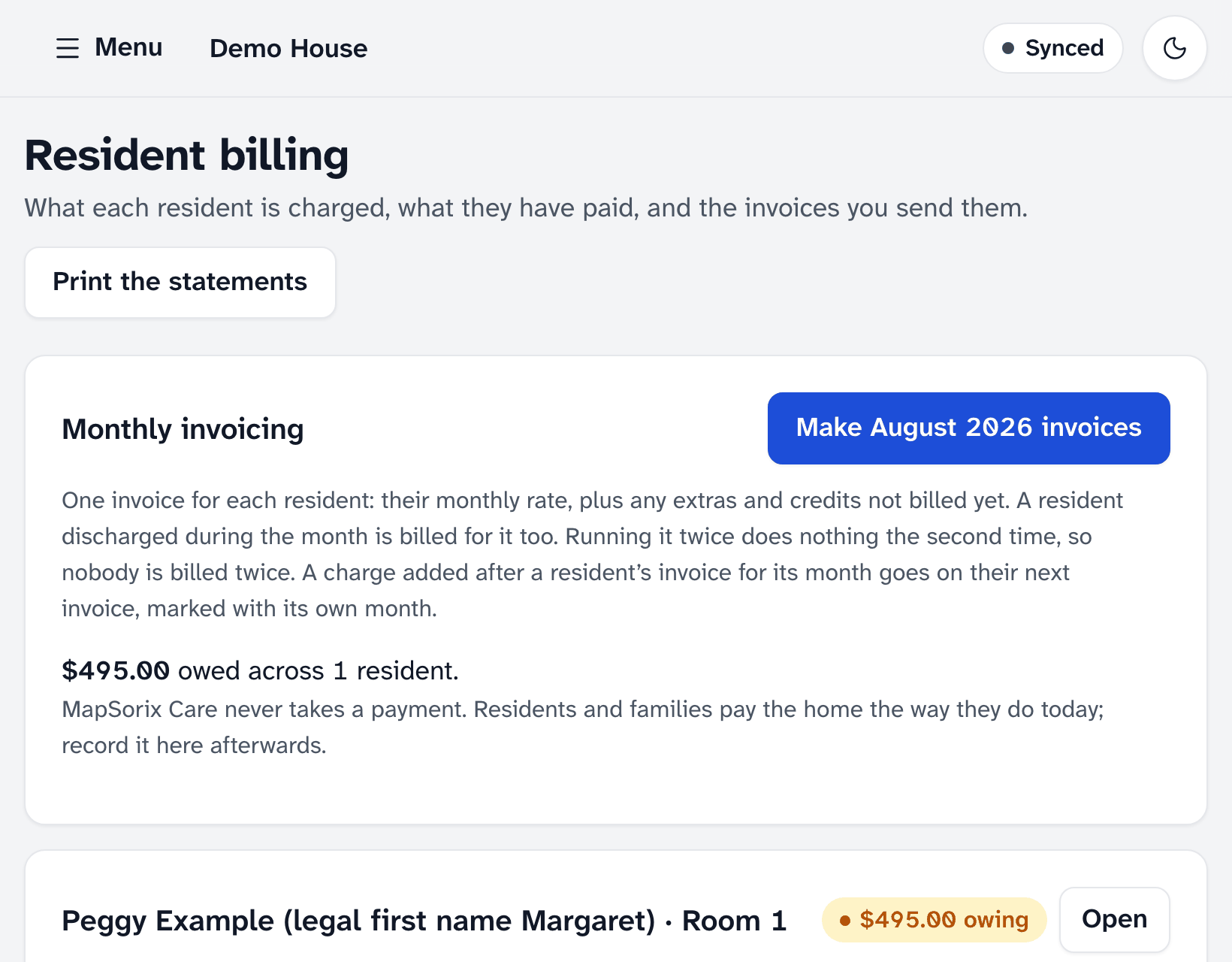
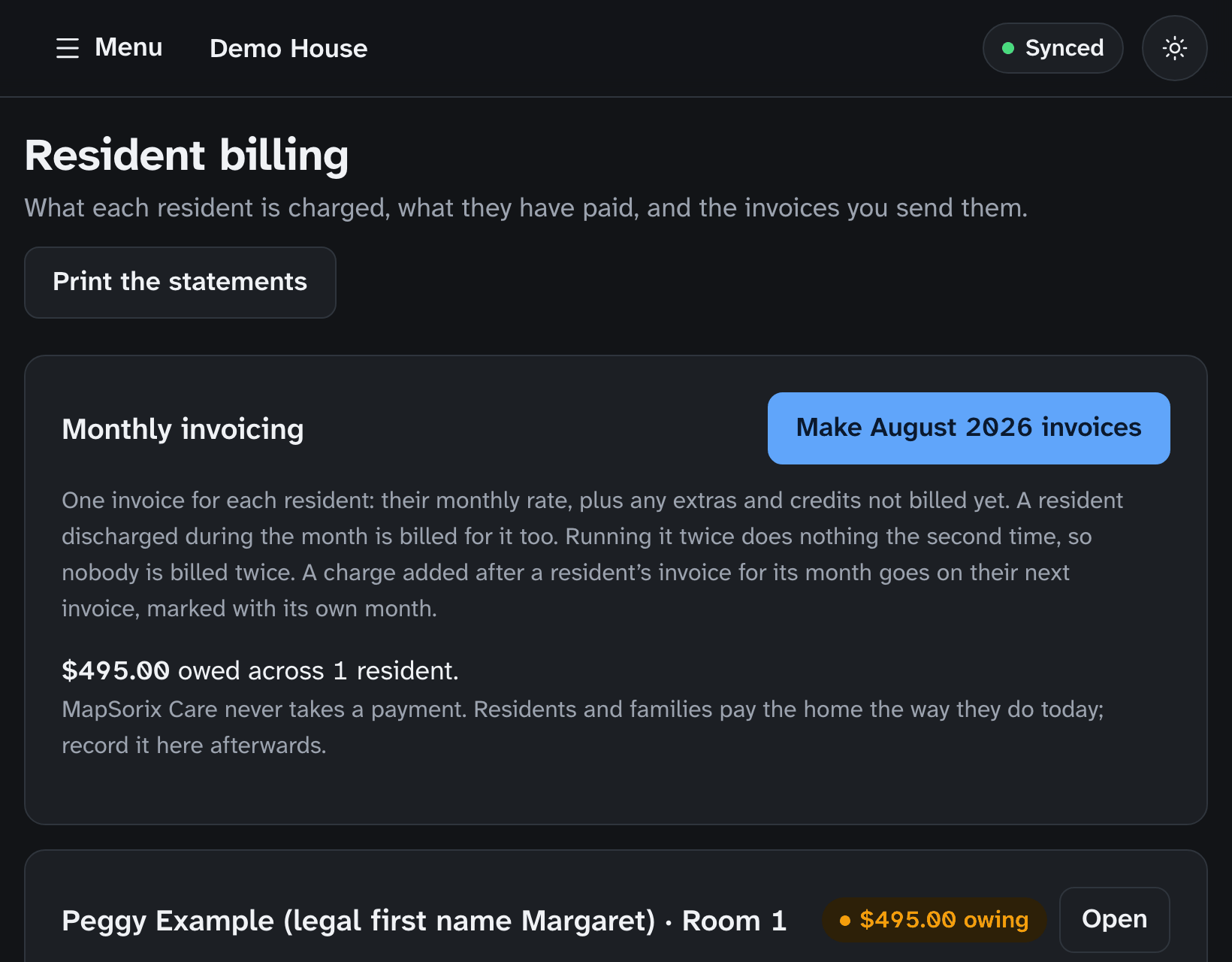
- At the top of Resident billing, tap the button for last month, for example Generate August 2026 invoices, and confirm.
- MapSorix Care makes one invoice for each resident: the monthly rate, plus every extra and credit not billed yet that is dated up to the end of that month. Invoices are numbered in order.
Running it twice does nothing the second time: a resident who already has an invoice for that month is left alone, so nobody is billed twice.
A late charge goes on the resident’s next invoice. Enter it with the date it really happened: if that month was already invoiced, the charge is carried forward and its line says which month it was for, for example “Hairdressing (August 2026)”.
Recording a payment
Tap Record payment. Enter the day it arrived, the amount, how it was paid (cheque, e-Transfer, cash, bank transfer or other) and a reference such as a cheque number. The resident’s balance updates straight away.
Cancelling an invoice
Beside the invoice, tap Cancel and give the reason. The invoice stays in the books, marked cancelled, and anything it charged goes back on the list: it is billed on the resident’s next invoice.
Statements
Print the statements prints each resident’s agreement: the monthly rate, when it started and who is billed. To include a resident’s invoices and payments, tap Open beside them first. Balances show on the screen but not on paper. The print is recorded in the audit trail, and the paper holds personal information, so store it securely.
Not in MapSorix Care yet
Rate-increase notices, move-out refund calculations and a resident trust account are planned. Until then, handle them as you do today, and record any resulting charge, credit or payment here.
More help
- Signing in on a care tablet
- The medication pass
- Correcting a mistake
- Writing a care note
- When the internet drops
- Recording vital signs
- Filing an incident report
- Clocking in and out
- Care plans and assessments
- The family portal
- Your pharmacy and the pharmacy portal
- The pharmacy portal, for pharmacies
- Staff, tablets and support access
- Resident billing
- Getting ready for an inspection
All help · Questions: care@mapsorix.com or (306) 400-1800, Monday to Friday, 9 AM to 5 PM Saskatchewan time.