
Help · For nurses and administrators
Your pharmacy and the pharmacy portal
A pharmacy you pair with gets its own sign-in. It sends you documents, you check each one, and it answers the requests you send. Nothing reaches a resident’s medication record until a nurse has approved it.
What the pharmacy sees, and what it never sees
- Your home’s name and the phone number you give it.
- Each request you send it through the portal, with the resident’s name, room and bed, date of birth and allergies.
- The documents it sent you, and whether each one is waiting, approved or rejected. If a nurse rejects one, the pharmacy sees the nurse’s reason.
- Never: your resident list, a resident’s record, the medication record, care notes, incidents, or anything about a resident it has no request for. It is not told which resident a document was matched to.
Each person at the pharmacy has their own sign-in with two-step verification. What they open and send is recorded in your audit trail with their name.
Pairing a pharmacy (administrators)
A pairing is between your home and one pharmacy. Nothing is open to the pharmacy until it has used your code and you have approved it.
- Open Pharmacy in the menu and tap Pharmacies. If the pharmacy is not in your list yet, add it first.
- Under Pharmacy portal, tap Pair this pharmacy beside it, and enter the phone number the pharmacy should call.
- You get a pairing code. It works once and for 48 hours, and it is shown only this one time. Give it to the pharmacy by phone or in person, not by email.
- The pharmacy opens its account with the code. You then see who is asking, by name and email address. Check with the pharmacy that this is them, then tap Approve, or Decline if it is not.
If the code runs out or is lost, tap Generate new code. The old one stops working at once.
To stop sharing with a pharmacy, tap End pairing and give a reason. The pharmacy loses your home right away. Documents it already sent stay in your inbox, and any request it had not filled is marked so a nurse can send it another way.
Checking documents from the pharmacy (nurses and administrators)
The pharmacy sends every document for your home in one place. MapSorix Care reads each one and sorts it for you. It never approves anything, and it never guesses.
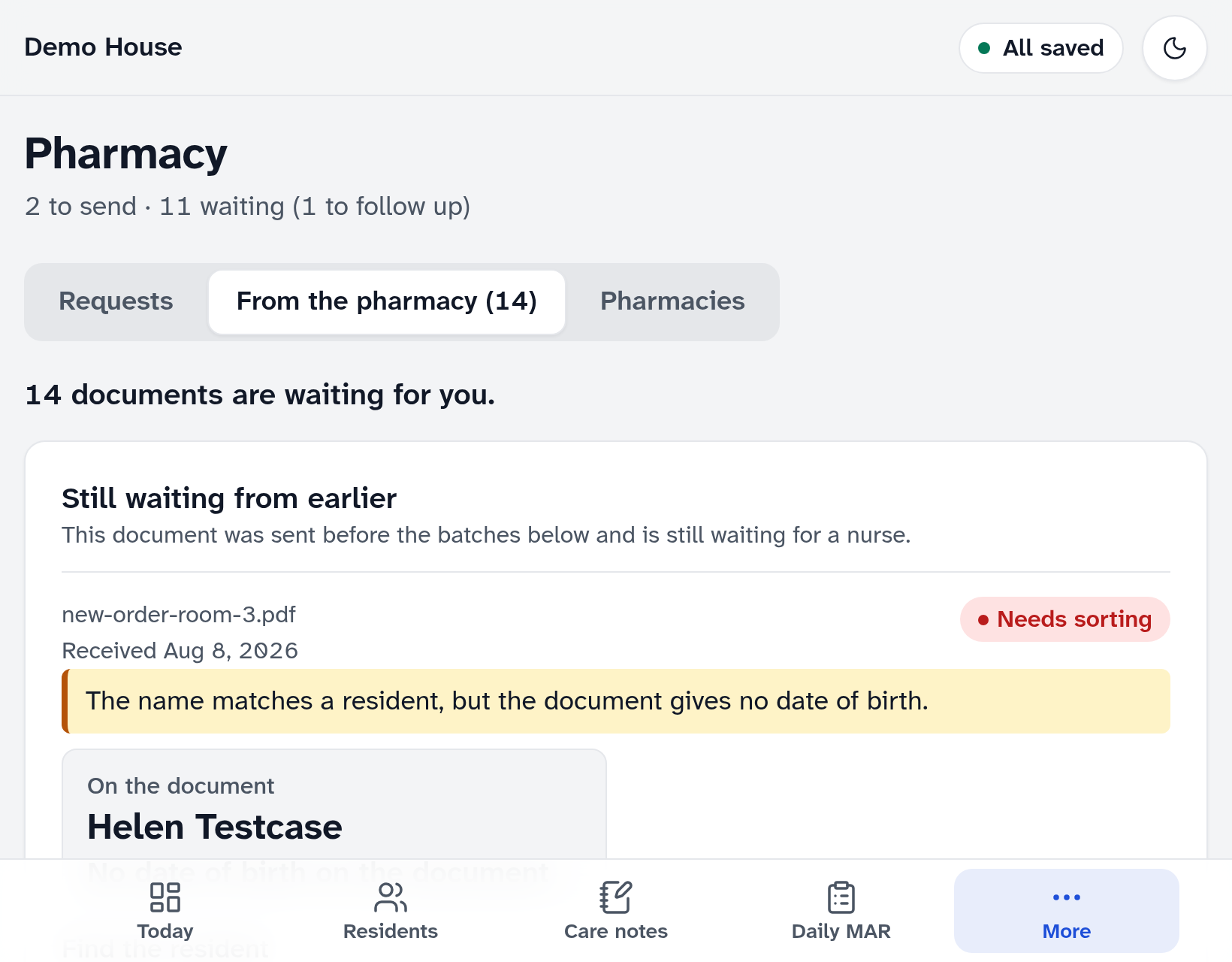
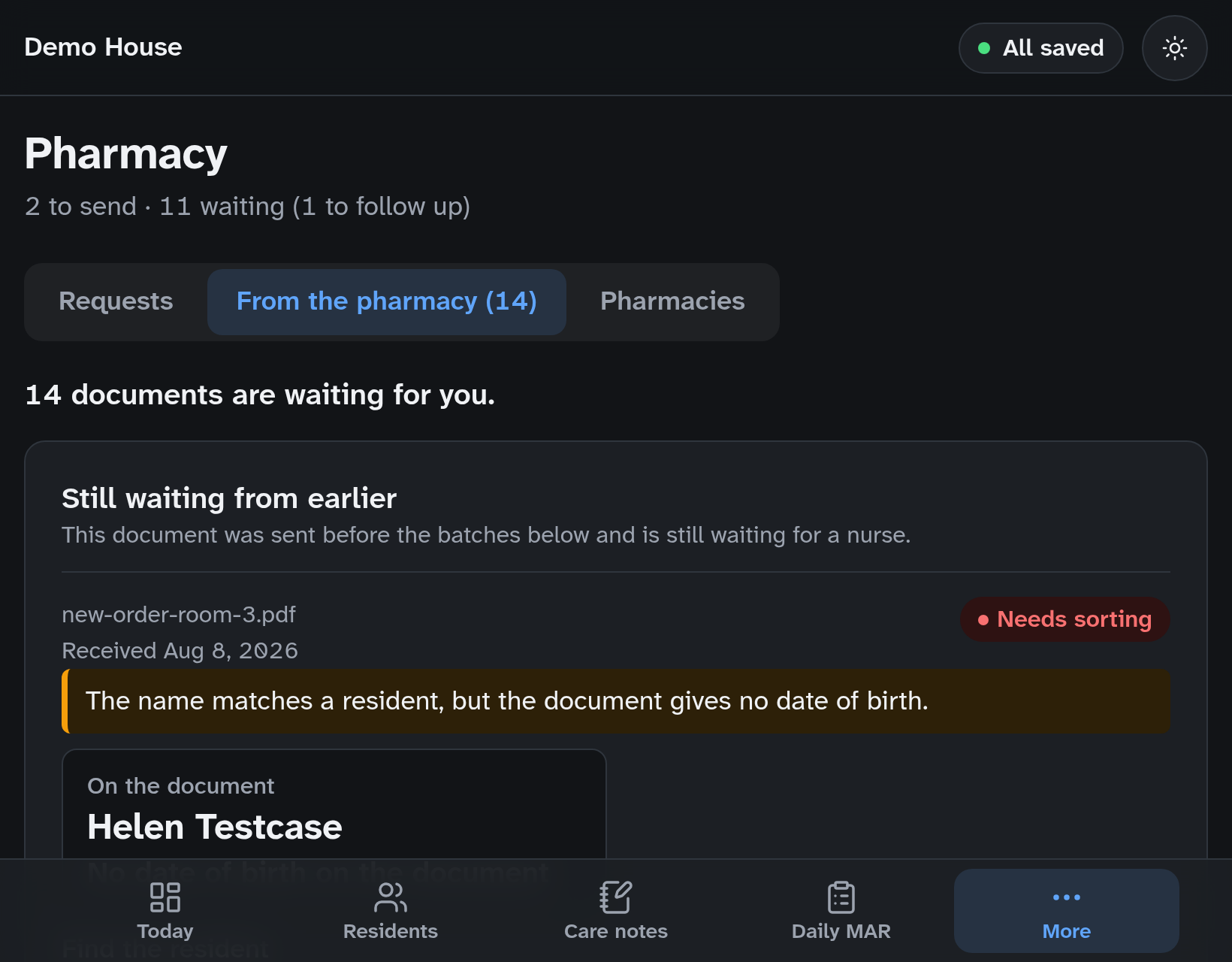
- Open Pharmacy in the menu and tap Pharmacy documents. The number beside it is how many documents are waiting.
- A document is sorted only when its name and date of birth match exactly one resident who is with that pharmacy. Check both against the document, then tap the button that names the resident to file it.
- Every other document needs sorting, and says why: the date of birth is missing or different, two residents share the name, the resident is with another pharmacy, or it could not be read. Tap Open the document, then find the resident by name or room number.
- If a document is not about one of your residents, tap Not for this home and give a reason. The pharmacy sees the reason, so put nothing about another resident in it.
- Filing opens the import review, where you check each order. No medication order is added until you have checked it there.
A document that seems to name more than one person can’t be filed until you have opened it and ticked that it is about one resident only. If the same file is sent twice, you see it once.
When documents wait too long
If a document has waited more than 5 days to be checked, nurses and administrators get an alert each day until it is done. An administrator can change the number of days, from 1 to 30, in Settings.
Sending a request through the portal
- Open Pharmacy in the menu and add a request as you do today.
- Tap Mark as sent, and under Sent by choose MapSorix Care pharmacy portal. It is offered only when the resident’s pharmacy is paired with your home. Then tap Send to the pharmacy.
- The pharmacy’s answer shows under the request: seen, being worked on, filled, or that it can’t be filled and why, with any note and the date it expects to have it ready.
A request goes only to the resident’s own pharmacy. If you change a resident’s pharmacy, their open requests move to the new one; a request the first pharmacy already filled stays as it is.
How long these records are kept
A document filed under a resident is part of that resident’s records and is kept as long as they are. Your home’s record of a document that was not filed under anyone, such as one you rejected, is kept for 10 years from the day it arrived. MapSorix removes records only when your home asks in writing, and not before then.
If the pharmacy needs help
There is a guide for the pharmacy’s own staff: The pharmacy portal, for pharmacies.
More help
- Signing in on a care tablet
- The medication pass
- Correcting a mistake
- Writing a care note
- When the internet drops
- Recording vital signs
- Filing an incident report
- Clocking in and out
- Care plans and assessments
- The family portal
- Your pharmacy and the pharmacy portal
- The pharmacy portal, for pharmacies
- Staff, tablets and support access
- Resident billing
- Getting ready for an inspection
All help · Questions: care@mapsorix.com or (306) 400-1800, Monday to Friday, 9 AM to 5 PM Saskatchewan time.